One system

One sale.
Every screen.

The register, the Cloud, the mobile app and the screens your customers see are one system, built by one company. Here's what that looks like on an ordinary day.

An online order

From DoorDash to the counter,

without a tablet in sight.

DoorDashUber EatsGrubhub
  1. It rings at the register

    It rings at the register

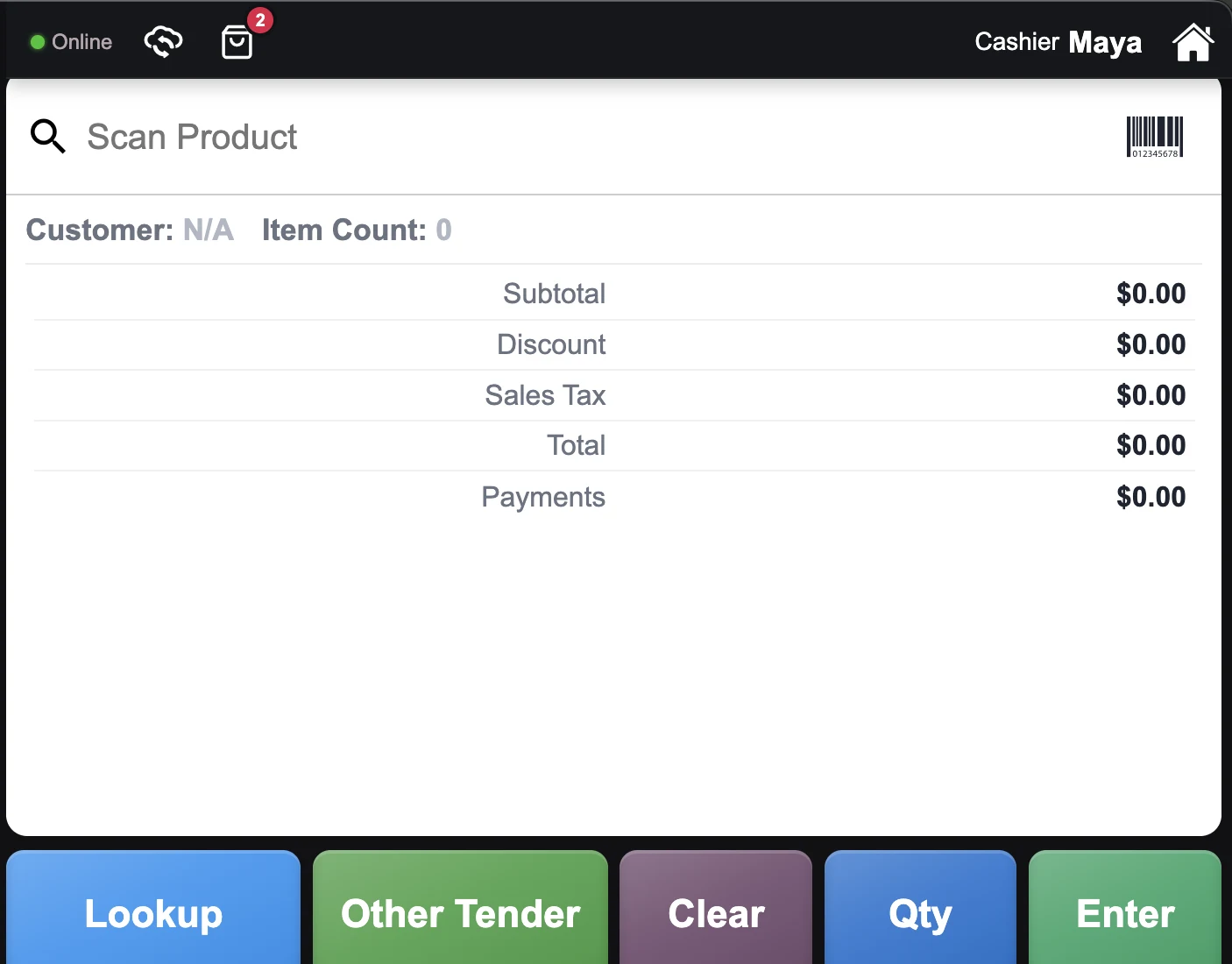
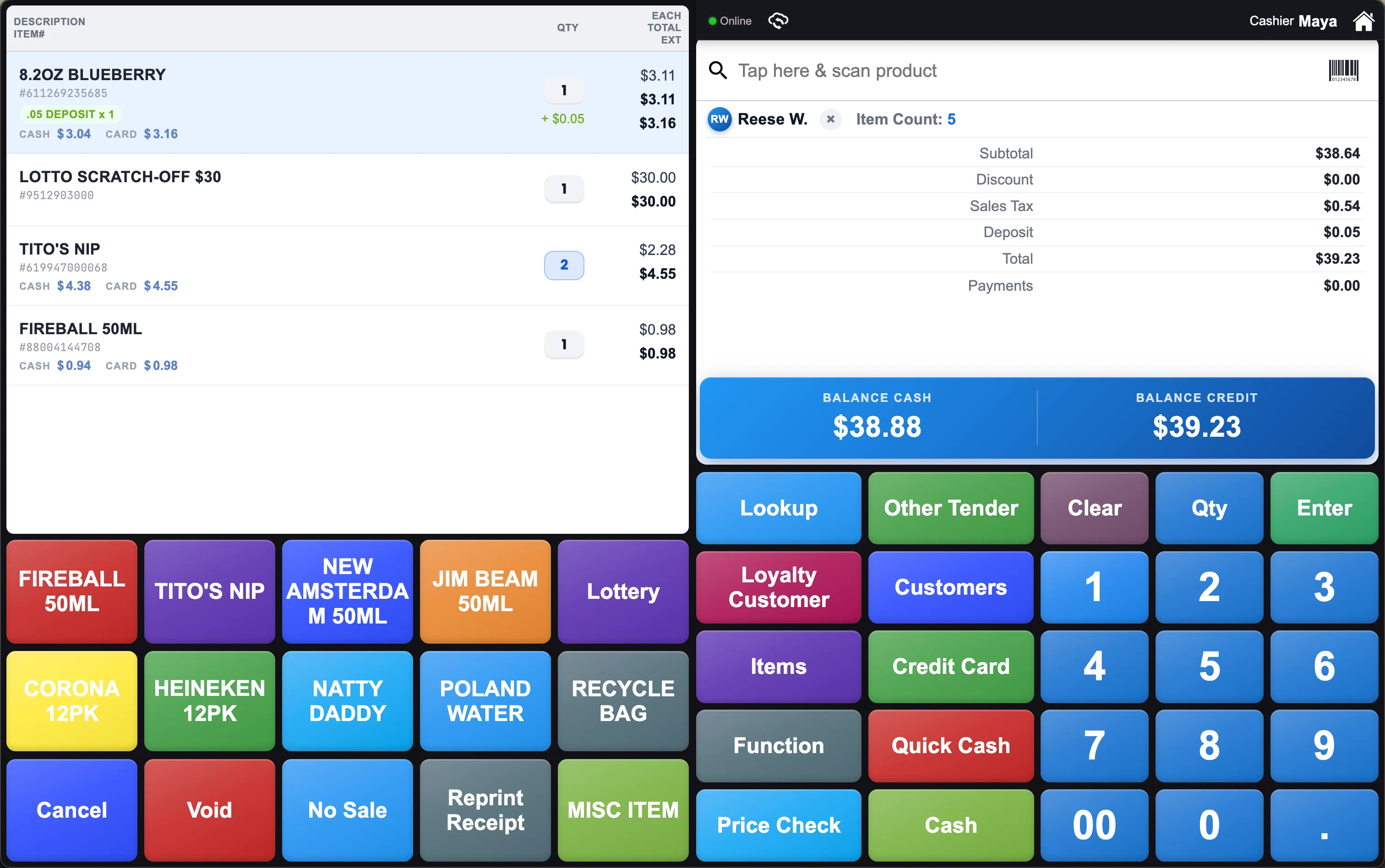
    The orders bag lights up with a count on the sale screen, and it chimes until someone opens the order.

  2. Print the ticket

    Print the ticket

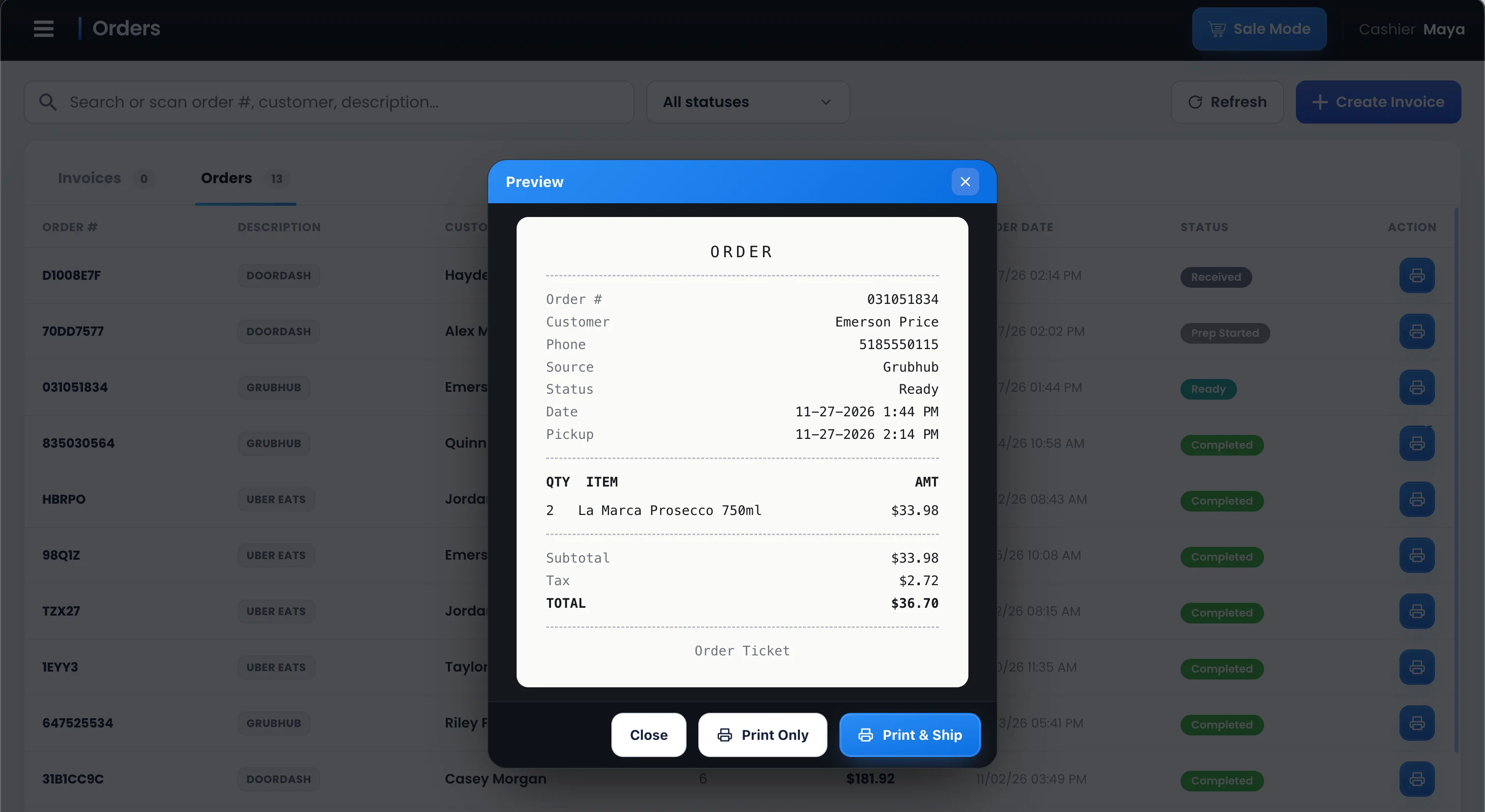
    One tap prints the order ticket, or prints it and marks the order shipped.

  3. In the Cloud with the day

    In the Cloud with the day

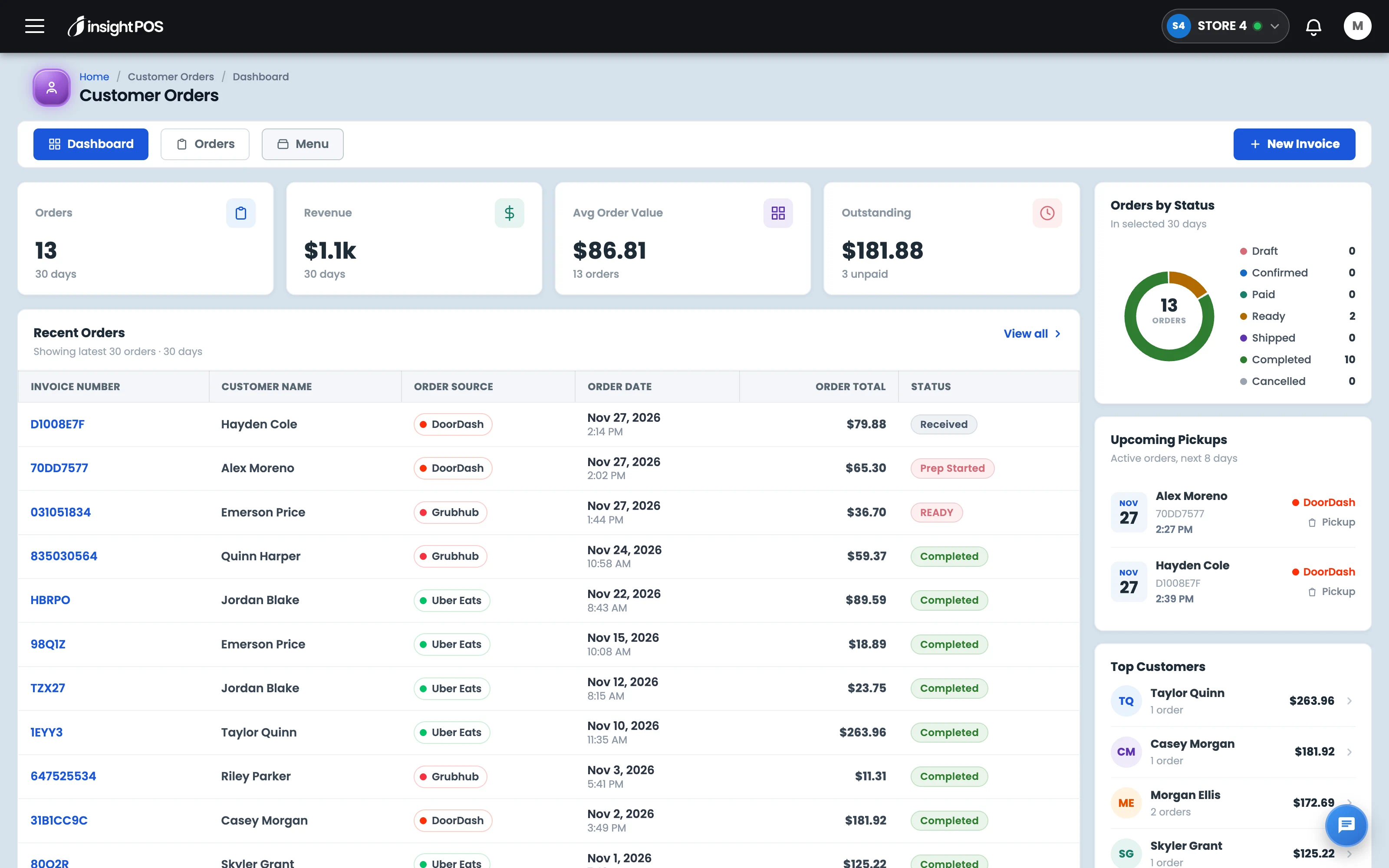
    Every delivery order sits beside the rest of the day's sales.

  4. And on your phone

    And on your phone

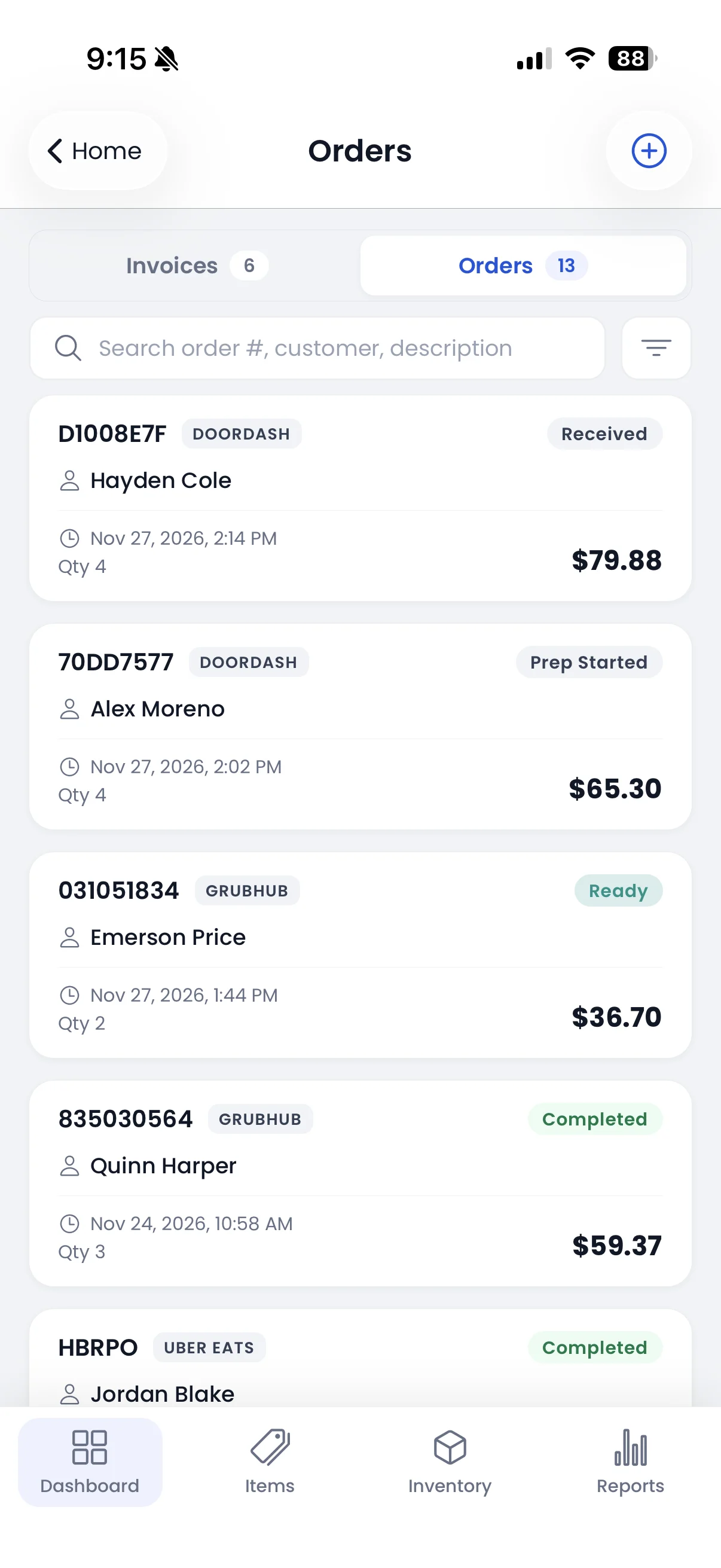
    Check the order queue from anywhere in the mobile app.
A loyalty member

Their price, their points,
everywhere they look.

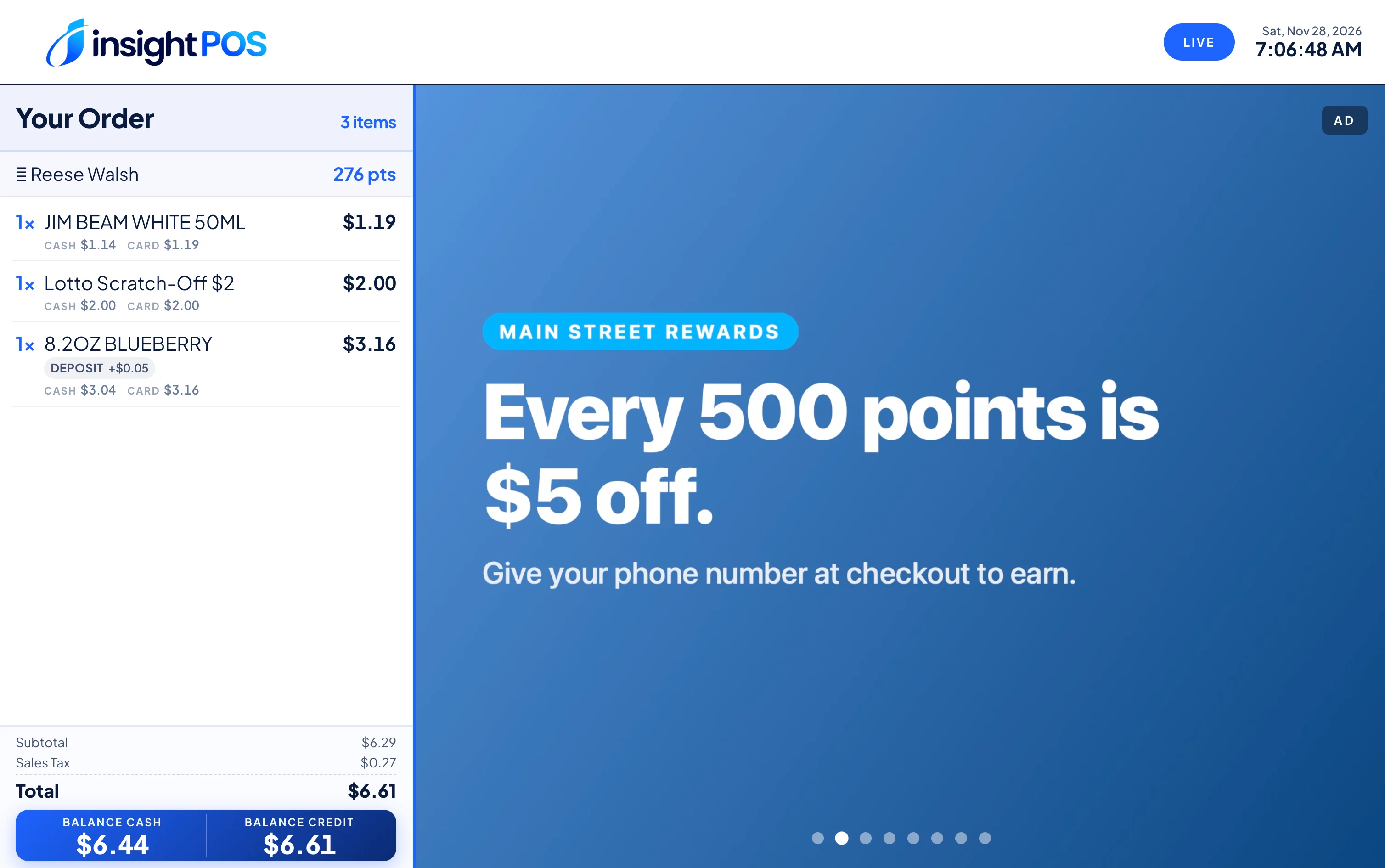
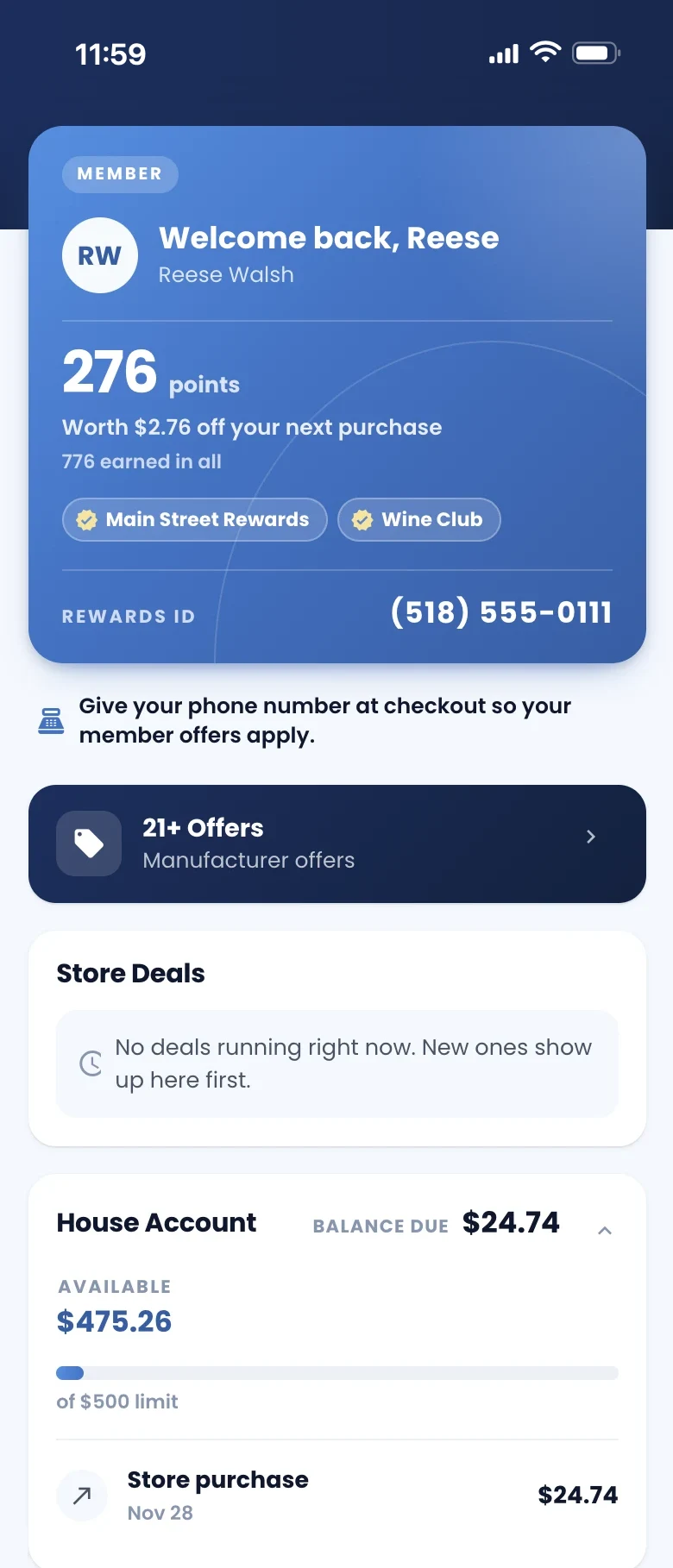
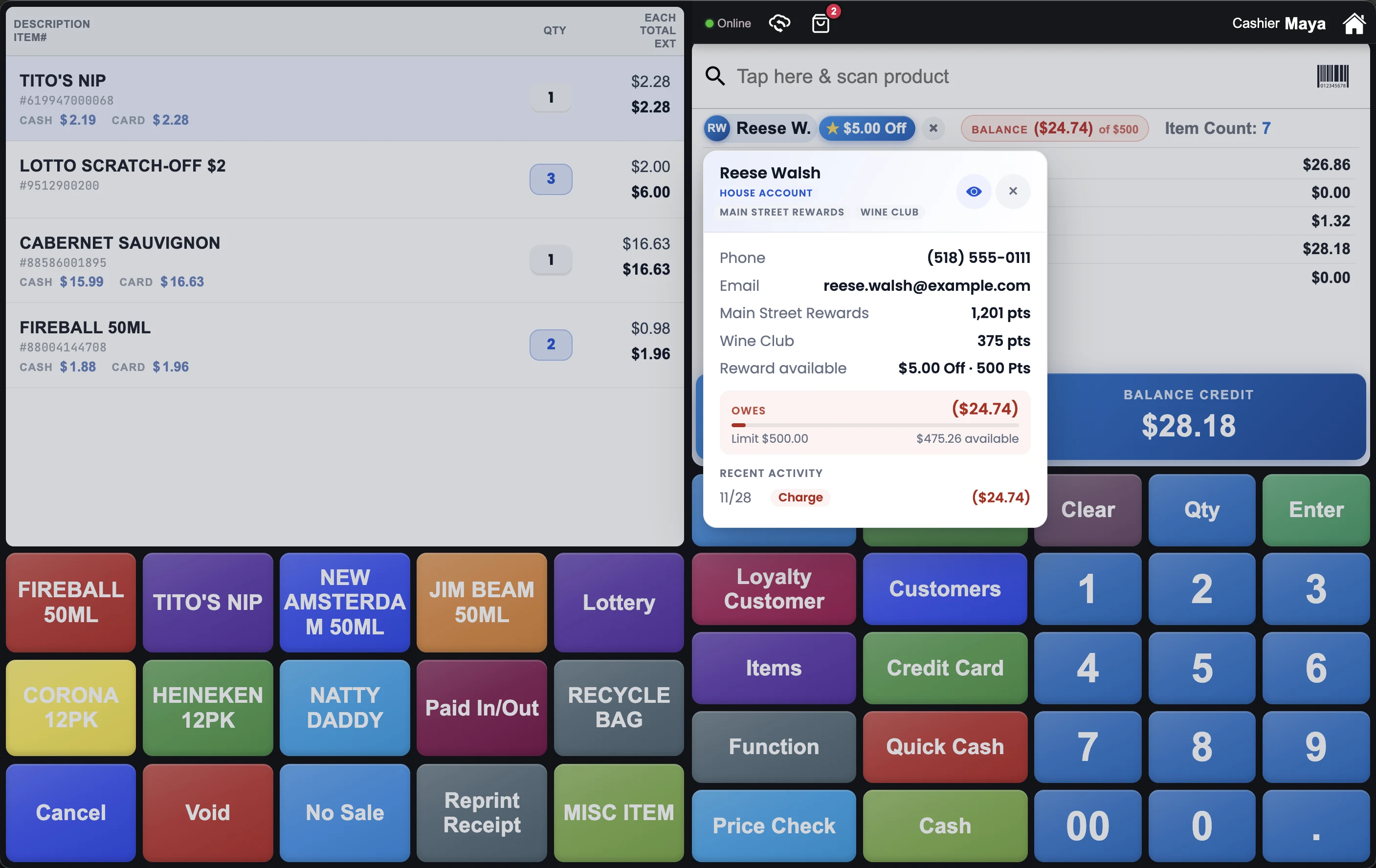
  1. Their points, on the sale

    Their points, on the sale

    Add the member and the register shows their points and the reward they're working toward.

  2. The club on the counter screen

    The club on the counter screen

    The customer screen shows their name, their points and your rewards offer.

  3. Rewards in their pocket

    Rewards in their pocket

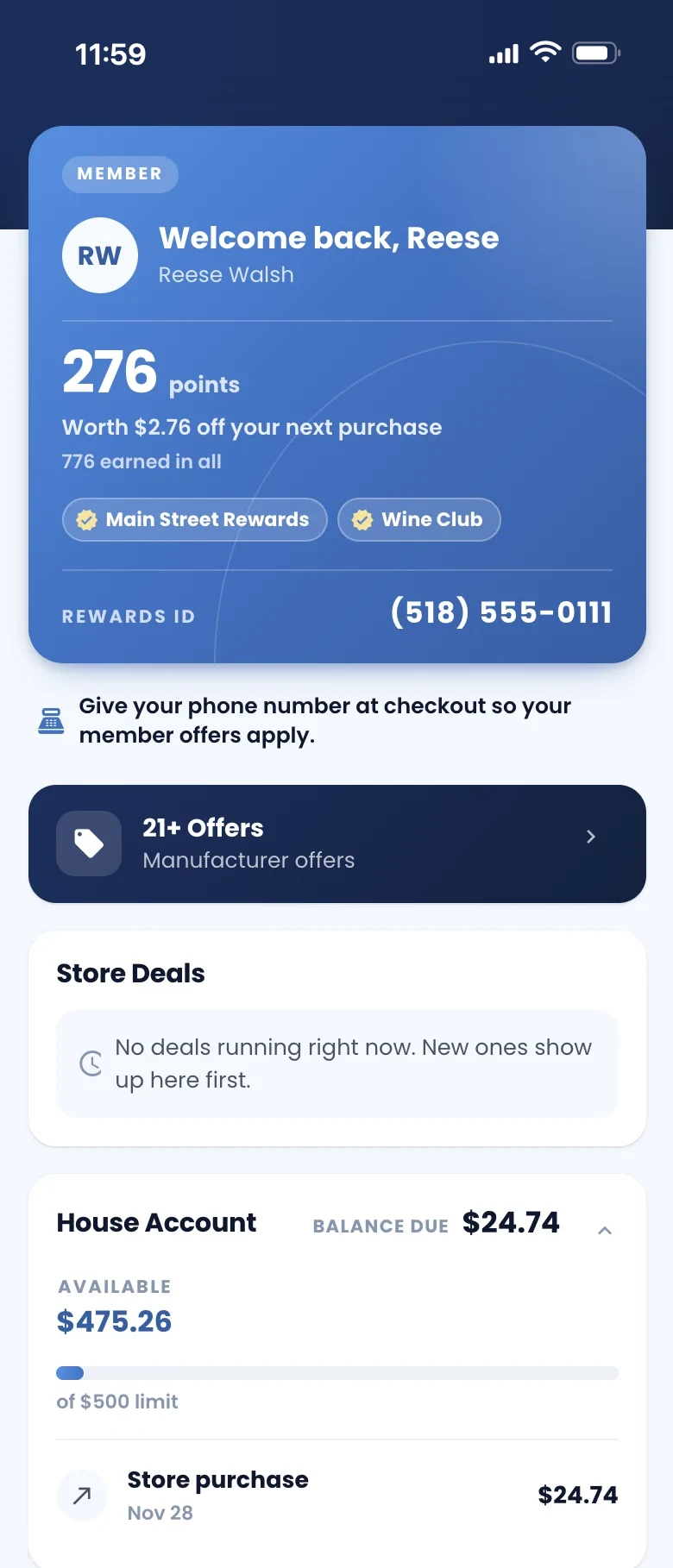
    Points and rewards live in your store's own app.

  4. Every visit, measured

    Every visit, measured

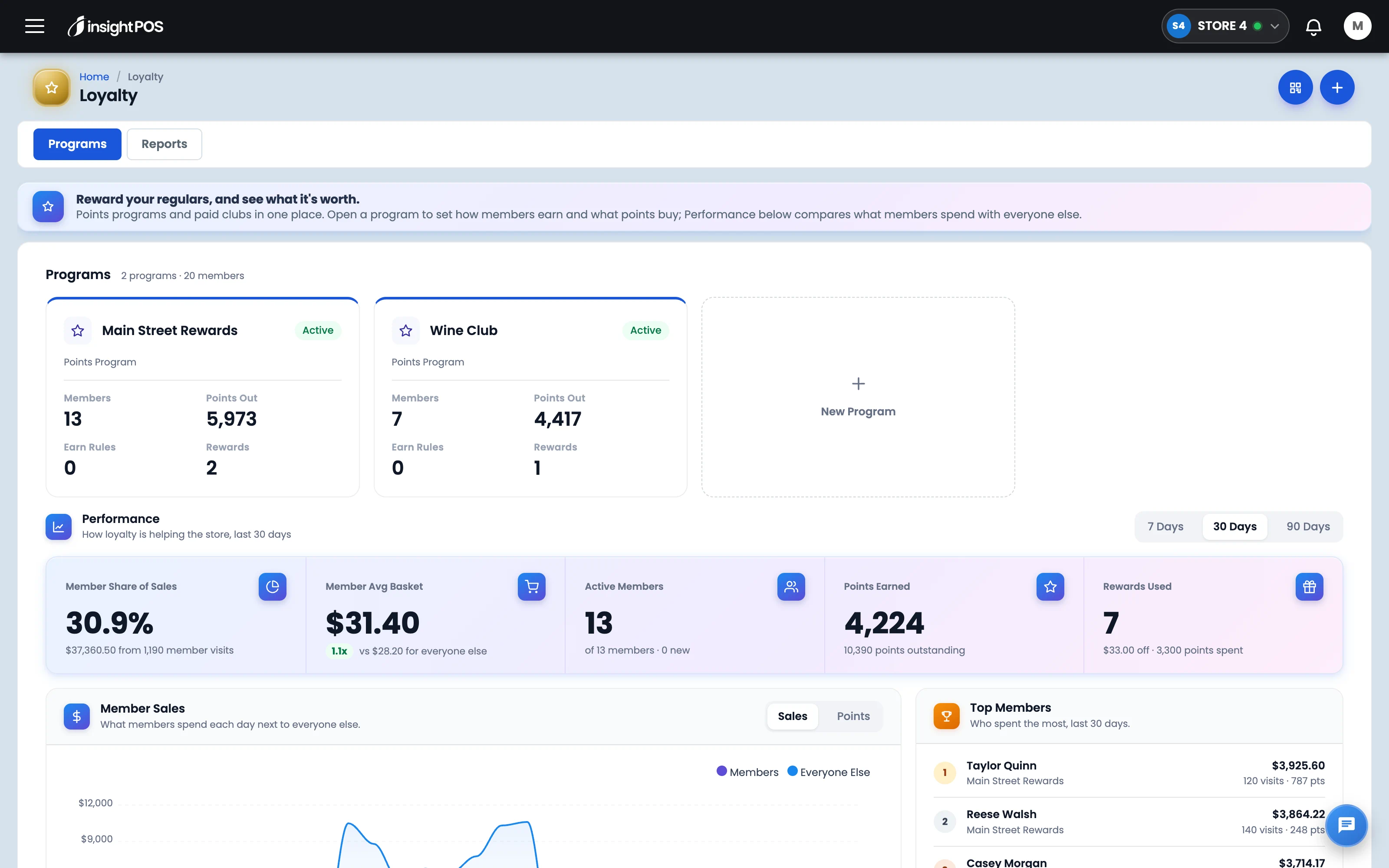
    The Loyalty dashboard shows who's coming back and what they buy.

A price change

Change it at the shelf.
It's right at the register.

  1. Change it at the shelf

    Change it at the shelf

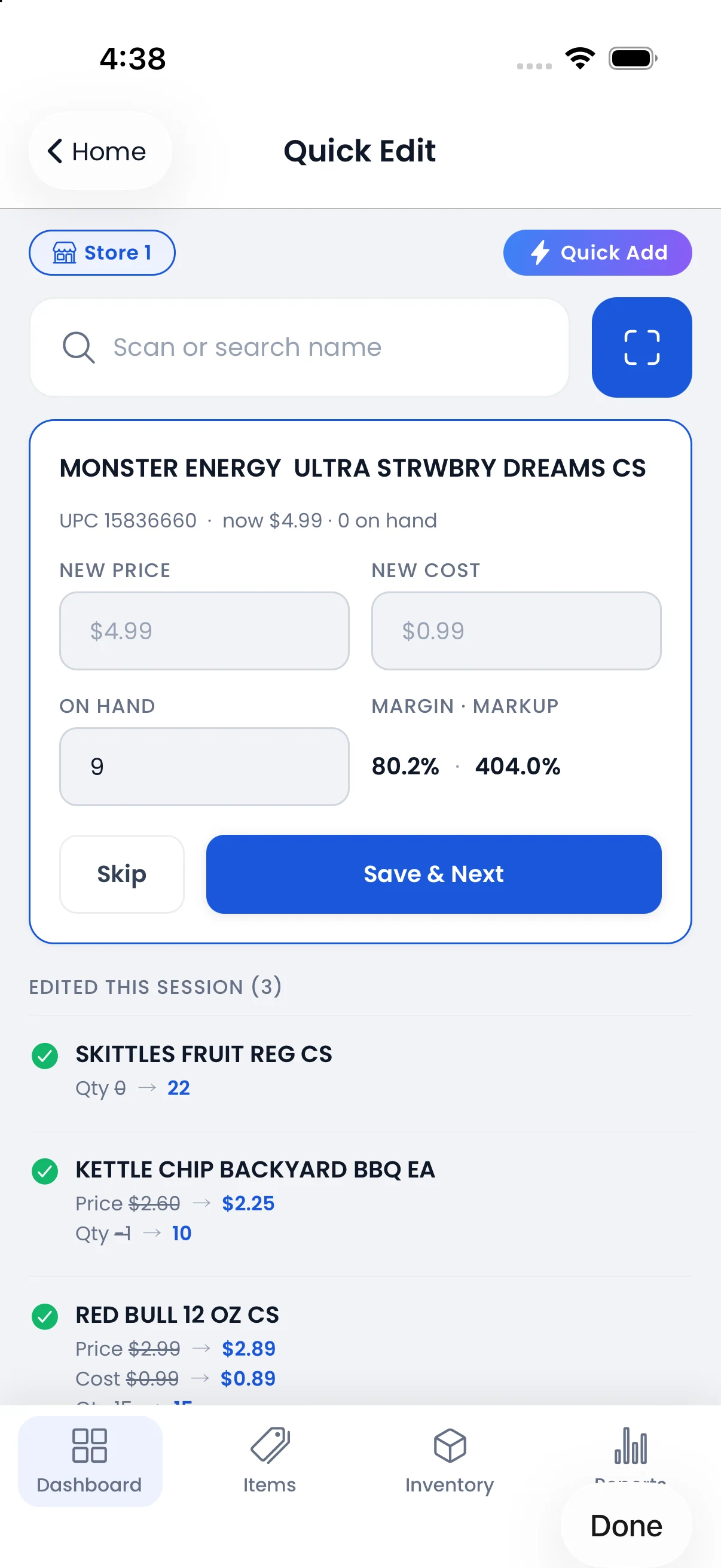
    Scan the item, type the new price, and see the margin before you save.

  2. The register already has it

    The register already has it

    The change reaches every register right away. No sync button, no waiting.

  3. The new label prints

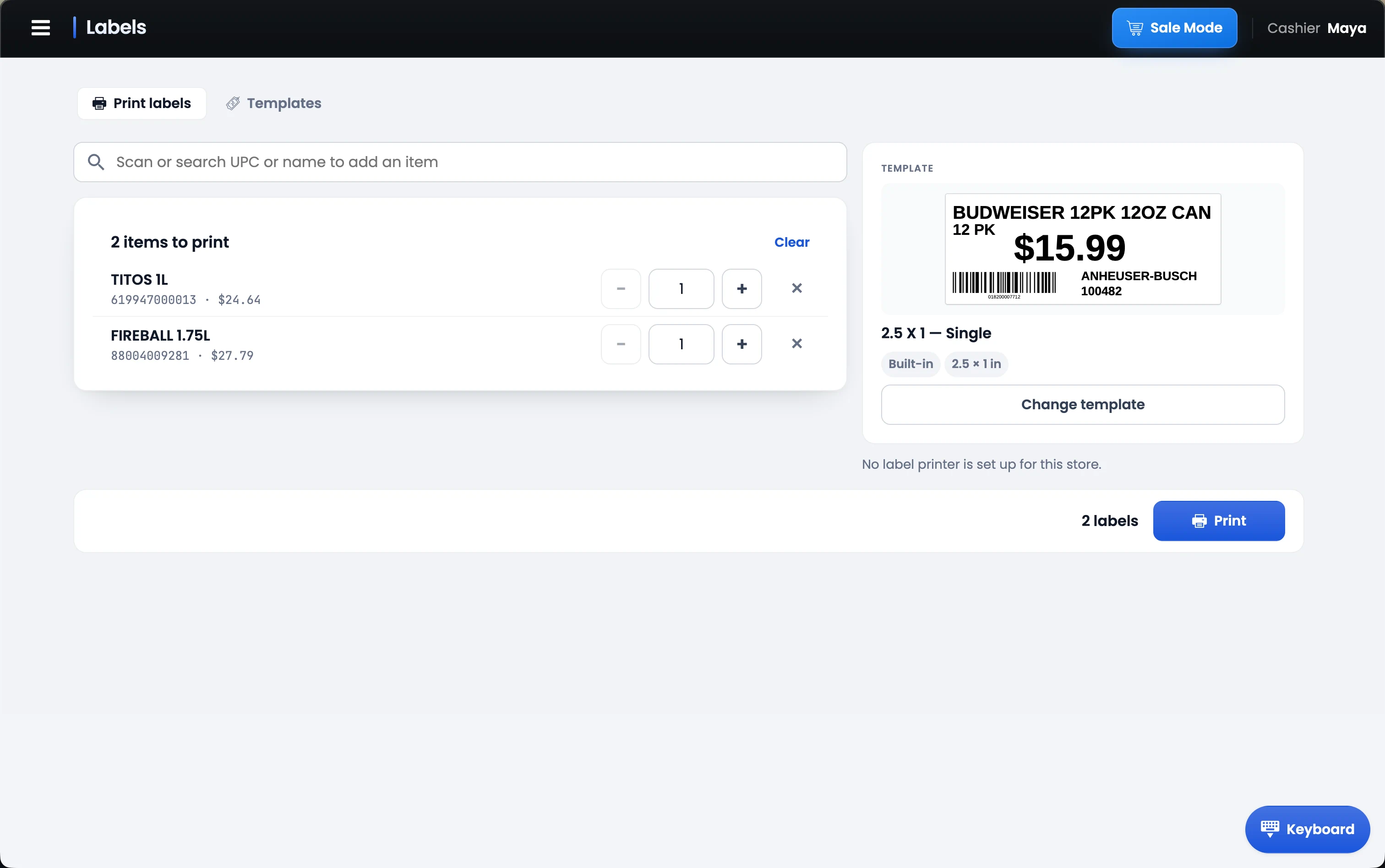
    The new label prints

    Print the shelf label at the register, or queue a batch from the phone.

The end of a shift

Count the drawer.
Know who's over and who's short.

  1. A blind count at the register

    A blind count at the register

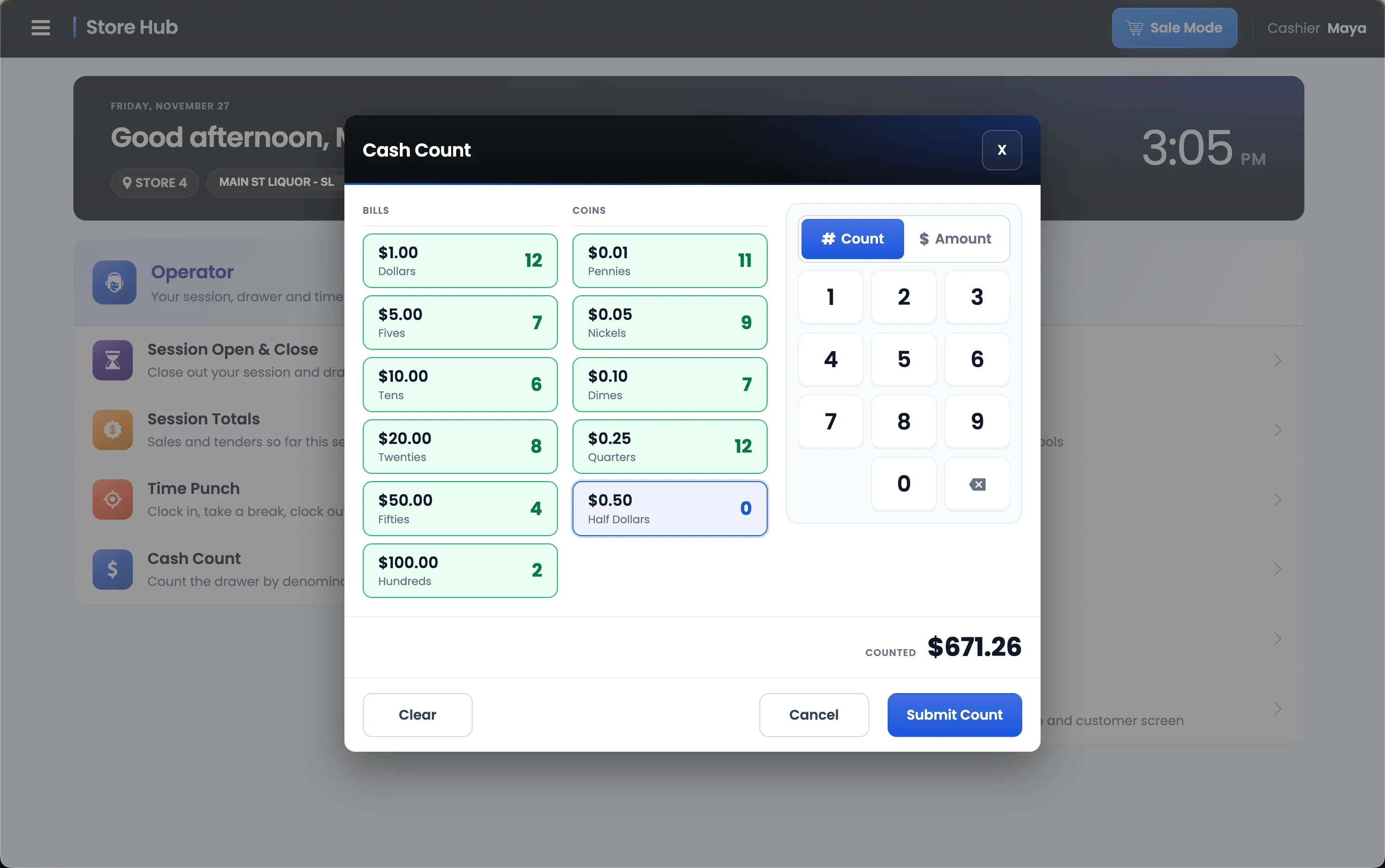
    The cashier counts the drawer without seeing what it should hold.

  2. Variance by cashier and shift

    Variance by cashier and shift

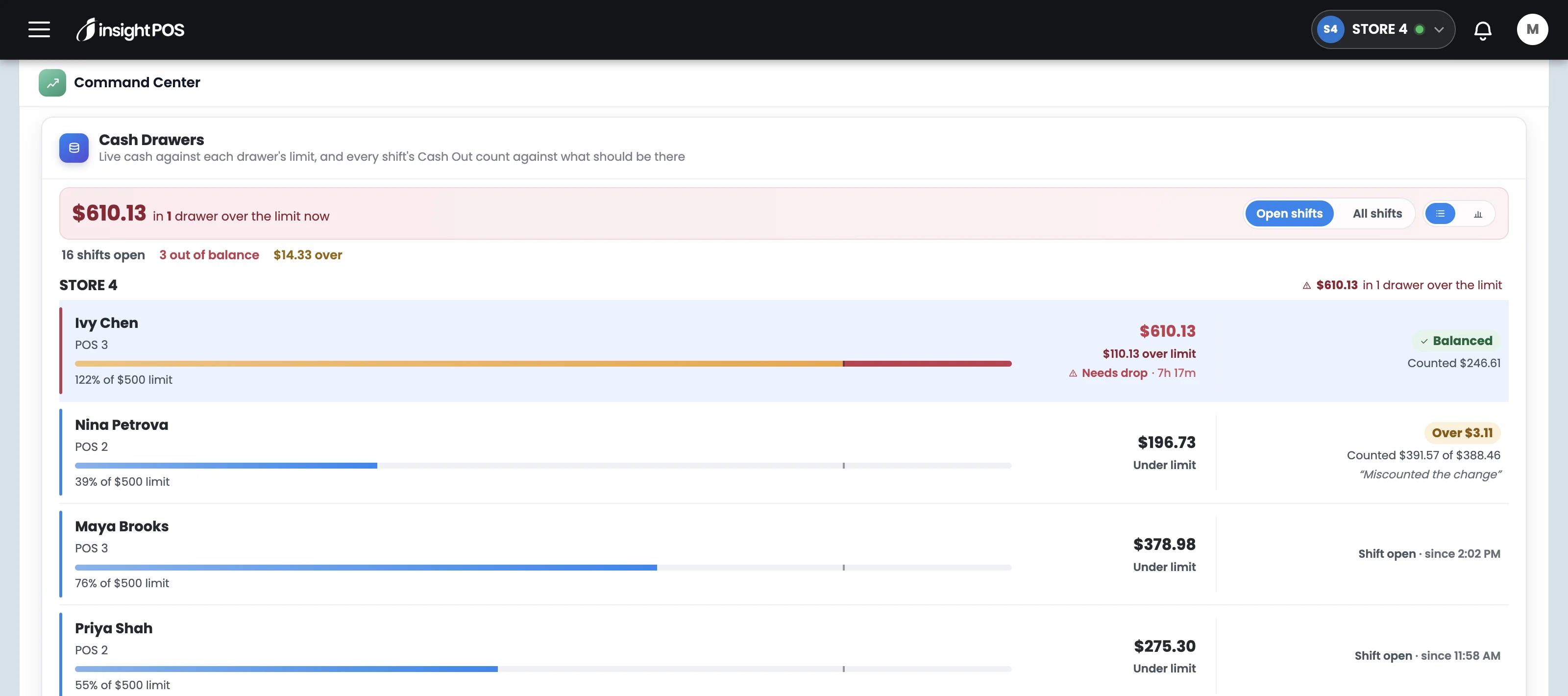
    Over or short shows up in Command Center, by operator and shift.

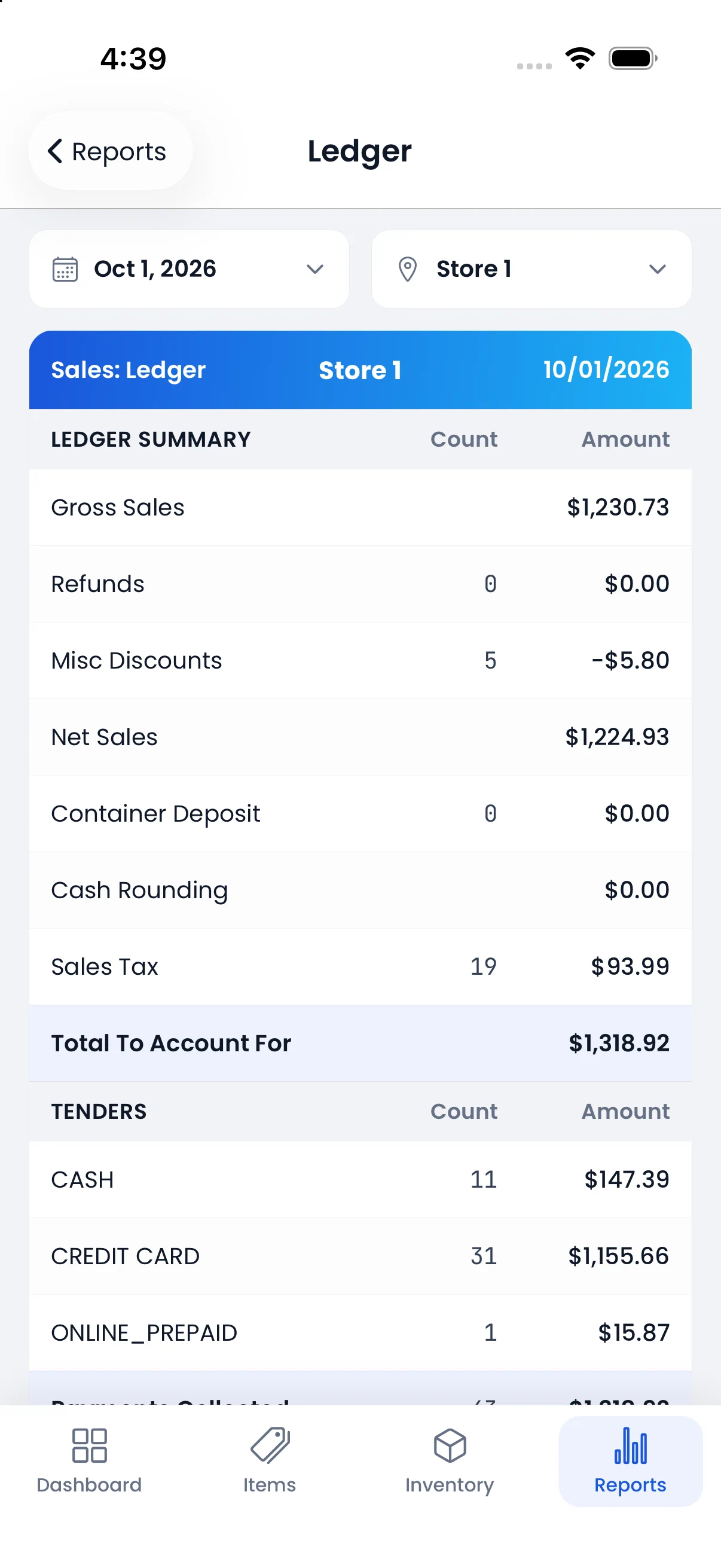
  3. The day's ledger, on your phone

    The day's ledger, on your phone

    Sales, tenders and payouts for any store, any day.

A house account

Run a tab the right way.
Every charge, every screen.

  1. Charge it at the register

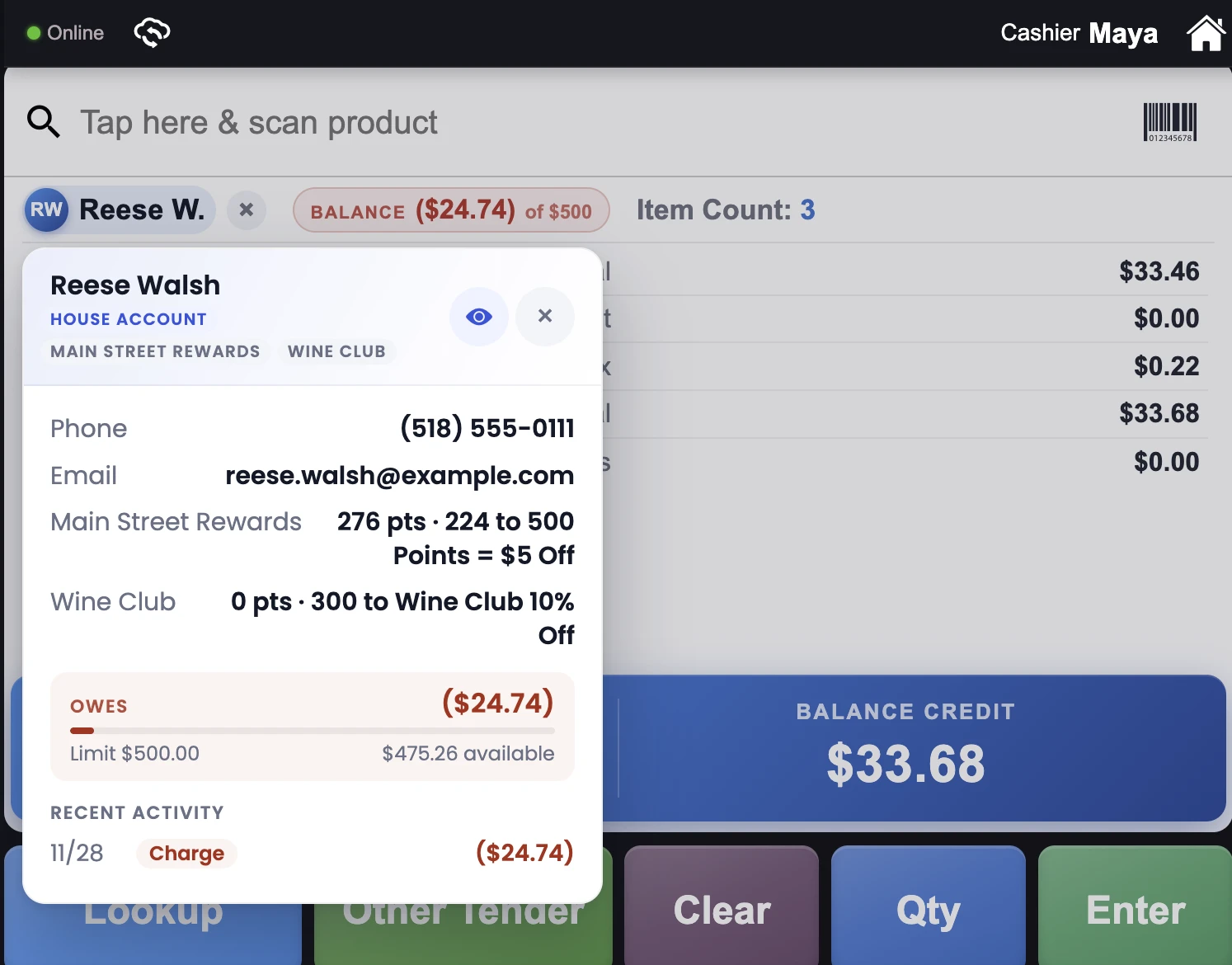
    Charge it at the register

    Their balance and limit show on the sale the moment they're added. Charge it to the account in one tap.

  2. Or at the curb

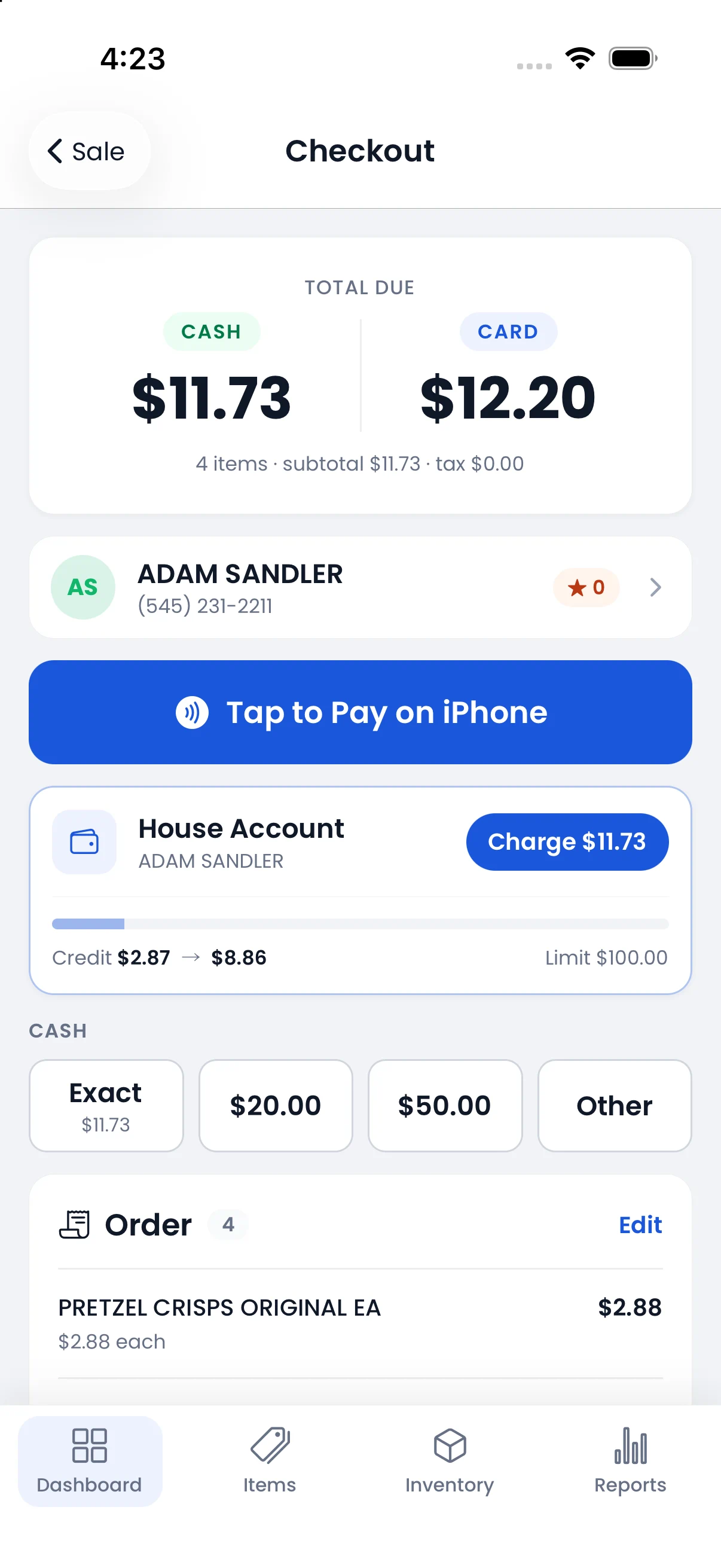
    Or at the curb

    Pocket Register charges the account too, anywhere in the store.

  3. Balance and history

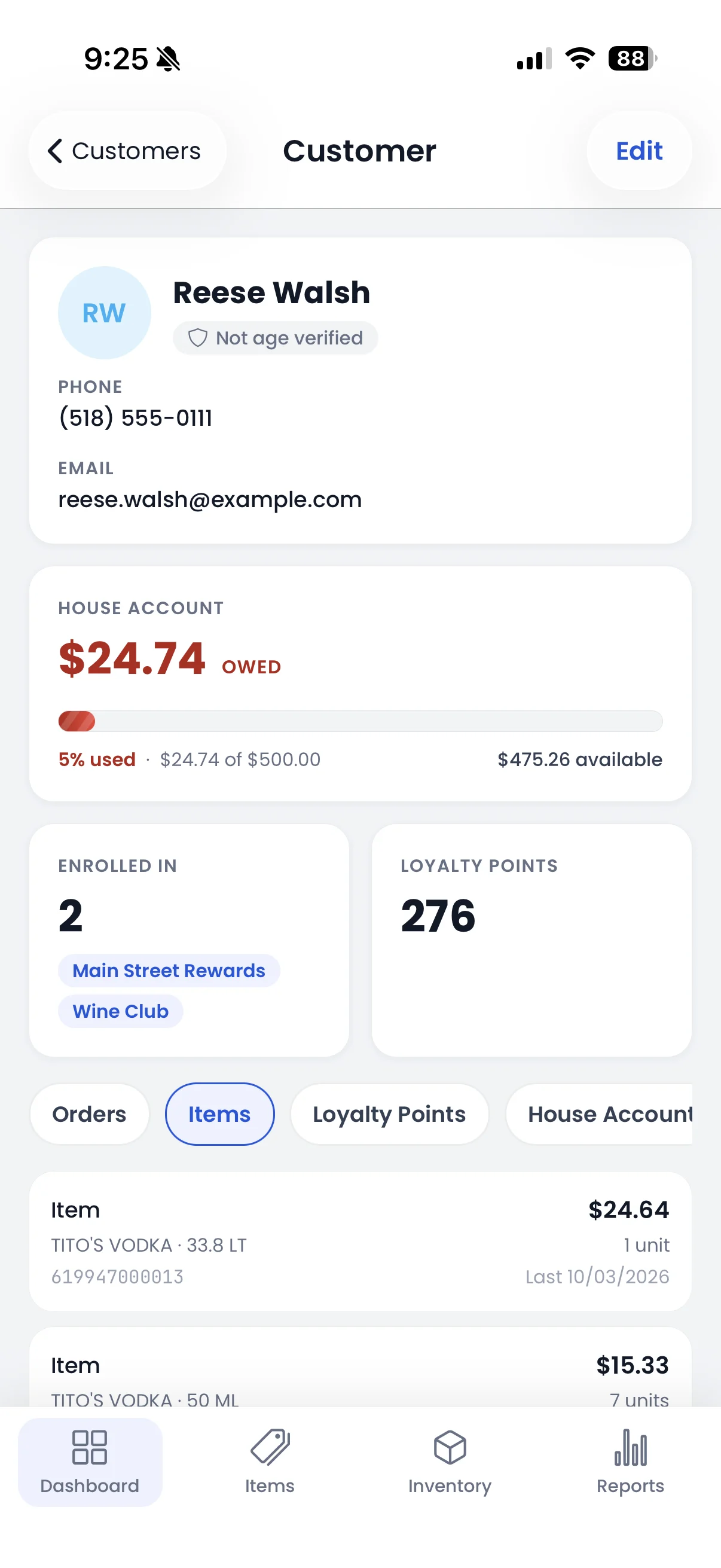
    Balance and history

    What they owe, their limit and every order, on the customer record.

  4. Their balance, in your app

    Their balance, in your app

    Their points and what they owe, in your store's own app, without calling you.

Every piece.
Built to work as one.

Shop the system online. Every price is on the website.

Shop the system Compare plans

Rather talk it through? Call (518) 633-4111.