
What Your Clover Data Reveals: A Payment Terminal That Rings Sales
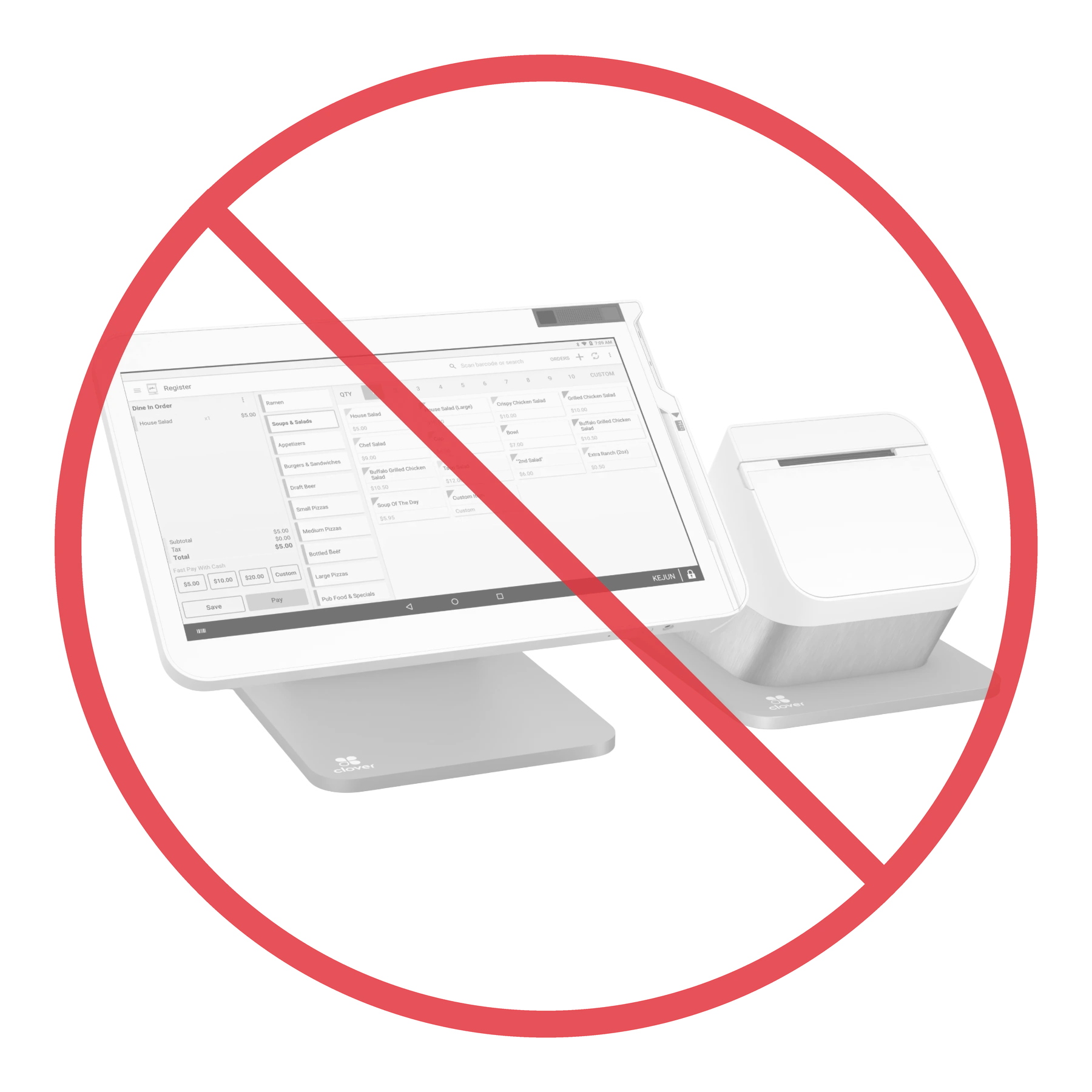
Clover works. Let’s start there, honestly. It rings sales all day, the card goes through, the drawer opens. For a lot of operators it does exactly what they asked of it on day one.
But here’s a test that cuts through every sales pitch: export your inventory and read the file. Not the marketing, not the dashboard — the raw data the system actually keeps about your store. We do this constantly when operators move to Insight, and a Clover export tells the same story almost every time. What’s in the data — and more importantly, what isn’t — tells you precisely what the product is underneath.
What a Clover export actually contains
Open the file and look at which columns are filled:
- Price — filled, on virtually every item. Of course it is. A price is the one field you literally cannot ring a sale without.
- Cost — blank. Not “some of it.” All of it. Item after item, the cost field is zero or empty.
- Category — missing on a big share of items. A fifth or more of the catalog belongs to no department at all.
- Stock on hand — untracked. Inventory counting is switched off, so the quantity field is empty across the board.
- Item names — shorthand only the person at the counter could read:
4k,2 for 4,777, the same product typed in three slightly different ways, each with a little(2)(3)tag the system tacked on to keep them apart.
Read that list back. A price on everything, and behind it — nothing. That’s not a broken store. That’s a price list with a barcode index. Which is the honest technical description of a payment terminal.
Why the data looks like that
This isn’t neglect, and it isn’t a bad operator. It’s what a payment terminal encourages. During a rush, a cashier can’t find an item, so they add a new one on the fly — scan whatever barcode is on the box, skip the cost, skip the category, type a quick name, ring the sale, move the line. The terminal doesn’t stop them, because from its point of view the sale is complete. It got a price. It got paid.
Do that a few thousand times over a few years and you get exactly this file: thousands of items, piles of duplicates, no cost, no departments. The terminal never asked for more, because ringing the sale is the only job it was built to finish.
The one number that isn’t there
Of everything missing, cost is the one that should stop you cold.
If the system doesn’t know what an item cost you, it cannot tell you what you made on it. Not per item, not per category, not for the whole store. Every “report” built on top of that data is counting revenue and calling it performance. You’re running the most cost-sensitive business there is — tobacco buydowns, liquor margins, penny-profit c-store lines — on a system that is structurally blind to margin.
That’s not a feature you forgot to turn on. It’s the tell. A tool that rings sales needs a price. A system that runs a store needs to know what you keep. The first number is in the file. The second one was never collected.
A terminal, or a system of record?
This is the whole distinction, and it’s worth saying plainly instead of dressing it up.
A payment terminal’s job ends when the card clears. A retail POS’s job is to be the system of record for the store — every item with a real cost and a real department, stock that’s actually counted, names a human can read, so that margin, movement, reorder, and shrink are all just there, as a byproduct of ringing the sale correctly the first time.
Clover reaches for the second job the only way it can: the app store. Need inventory? There’s an app. Scan data? Another app. Loyalty, invoicing, better reporting? Apps — each with its own bill, its own login, its own seam where your data doesn’t quite line up with the next one. You end up renting a pile of apps to fake the thing a real POS just is. And the foundation underneath them is still that same thin file — a price, and not much else.
We built it the other way around. One company, hardware and software together, cost and category and stock captured as part of the sale, not bolted on after. No app store, because we built the apps. When you export that, the file reads like a store — because the system was one the whole time.
The takeaway
You don’t have to take anyone’s word for which one you’re running. Export your inventory and look at the columns. If there’s a price on everything and a blank where the cost, the category, and the count should be, you don’t have a POS with a data problem — you have a payment terminal doing exactly what it was built to do. Ringing sales is the floor. Knowing your store is the job.
On Clover and ready for a real retail POS? → insightpos.io/clover-alternative/ · Broken scan data is the fastest thing to fix → insightpos.io/clover-scan-data/ · Everything, including pricing, is on the site — no demo required. Questions? Call (518) 633-4111.